Service Providers
The service providers tool allows an administrator to manage the 3rd party plugins and access credentials for the payment, email, shipping, tax and cdn processors in use on the website.

The service providers tool allows an administrator to manage the 3rd party plugins and access credentials for the payment, email, shipping, tax and cdn processors in use on the website.
To find a provider or providers that share a common attribute value, a search block has been provided. To add a new one, use the "Add New" button
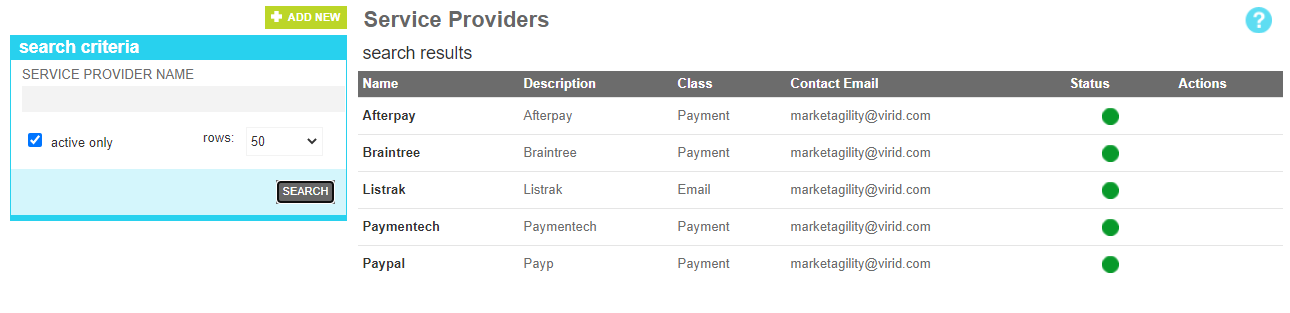
These attributes are as follows:
| Property | Description |
|---|---|
| Service Provider Name | All or part of the service provider name |
| Active Only | Filters your result to only show currently active service providers |
| Rows | Limits the results to the indicated number. |
The details screen allows you to manage the service provider information, including the type, email and processor plugin component that will service it.
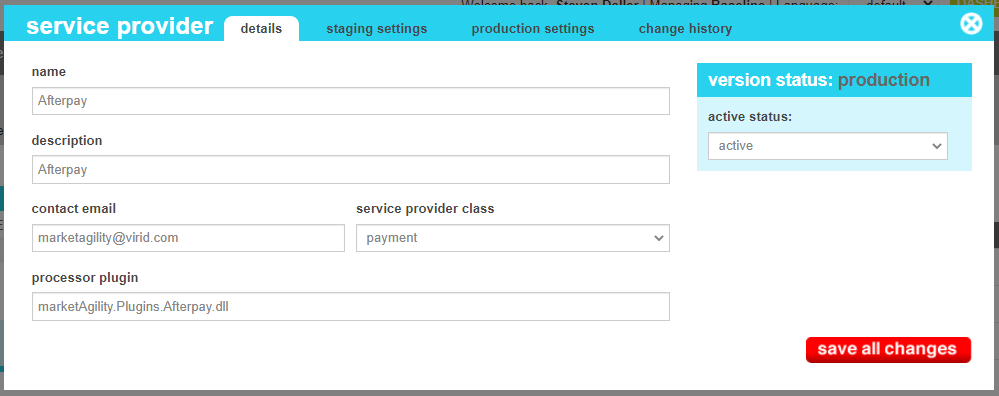
These attributes are as follows:
| Property | Description |
|---|---|
| Name Type | The name that uniquely identifies the provider. This value will be used for reference in other parts of the admin tools |
| Description | A short description of the provider to explain it to other administrators |
| Contact Email | Any issues or errors with transaction run through this provided will be sent via email the email address indicated. |
| Service Provider Class | The type of service provider this item references, Valid options include CDN, Email, Payment, Shipping or Tax. The Payment class will determine where this plugin appears in other parets of the admin tools, and it is assumed that the plugin includes the required methods and properties defined by the appropriate payment class interface specifications. |
| Processor plugin | This is the physical name of the processor plugin found in your website. If you have questions about what this name is, reach out to your site administrator or client manager. |
| Active Status | Indicates whether the service provider is active or inactive. If the provider is inactive, its credentials will not be used by the component |
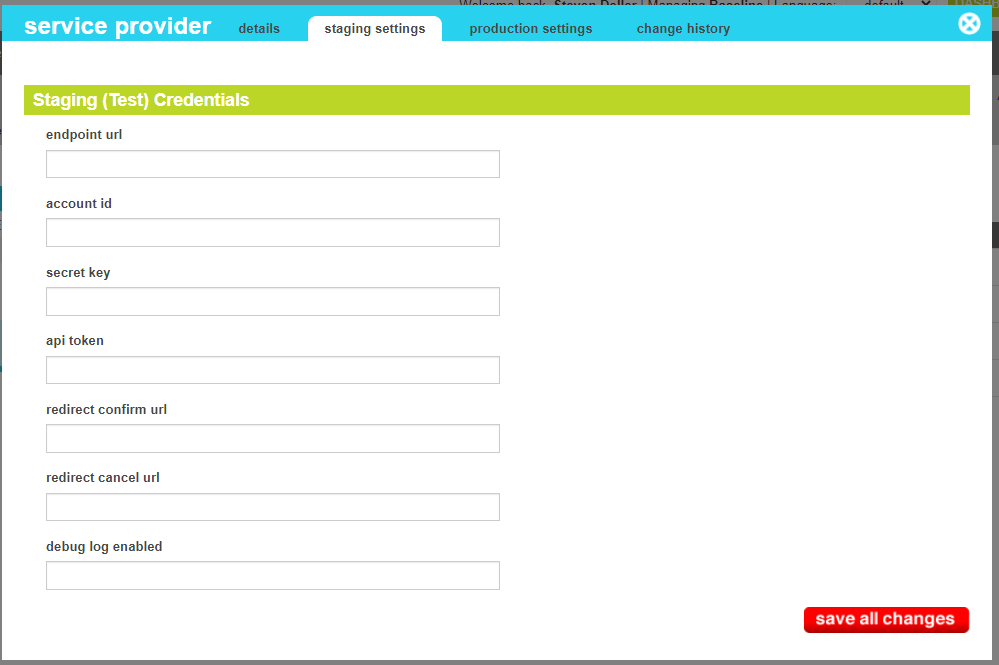
The staging settings screen allows you to manage the credentials and settings that the select plugin providers, including
such elements as api credentials, enpoints and logging options. The values on this screen will vary based on the plugin's provider and its capabilities
These values only affect your staging website.
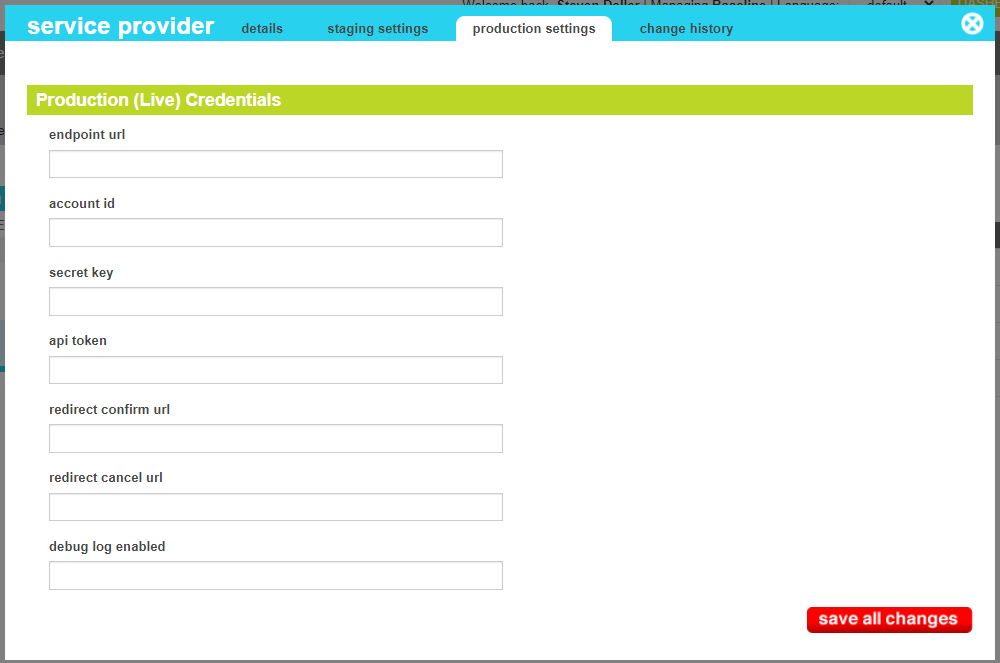
The production settings screen allows you to manage the credentials and settings that the select plugin providers, including
such elements as api credentials, enpoints and logging options. The values on this screen will vary based on the plugin's provider and its capabilities
These values only affect your production website.
The change history tab shows all of the changes that were made to this user and by whom. It is useful for diagnosing unexpected changes to your administrator accounts.