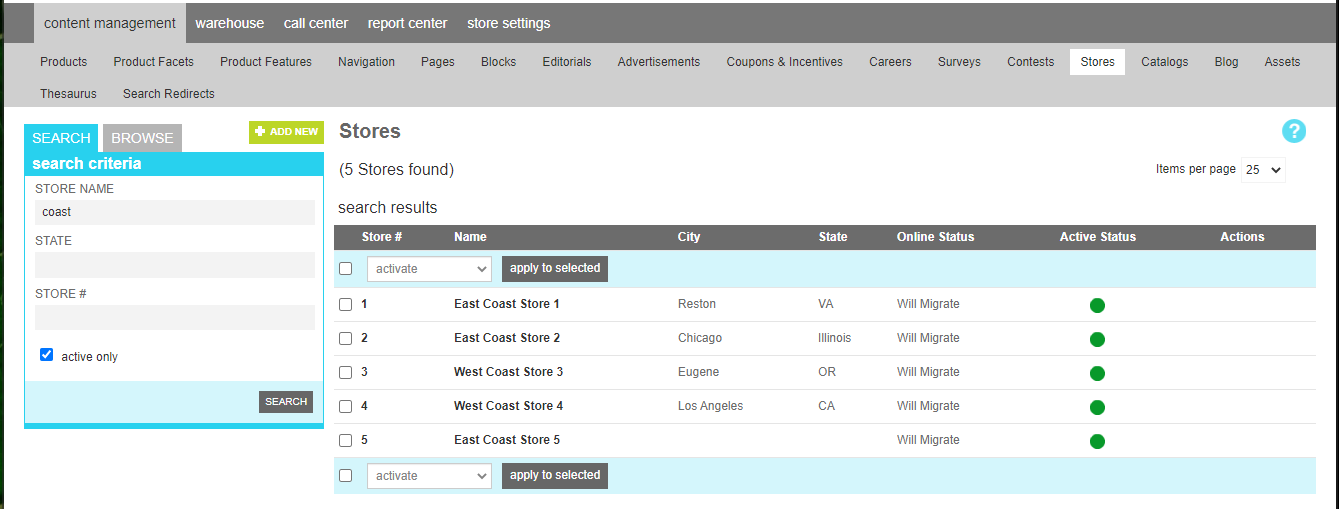
Stores
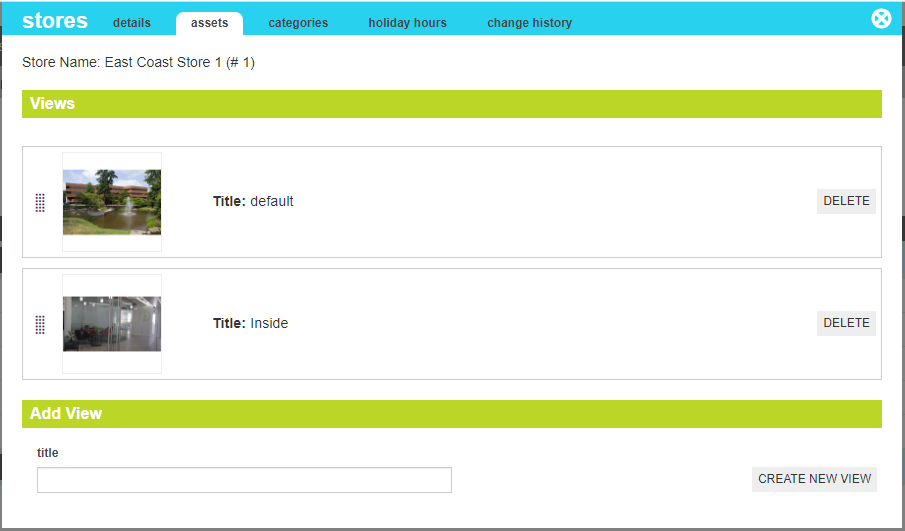
A store is a collection of information about a brick and mortar location, including addresses, features, images, and directions.
Attributes
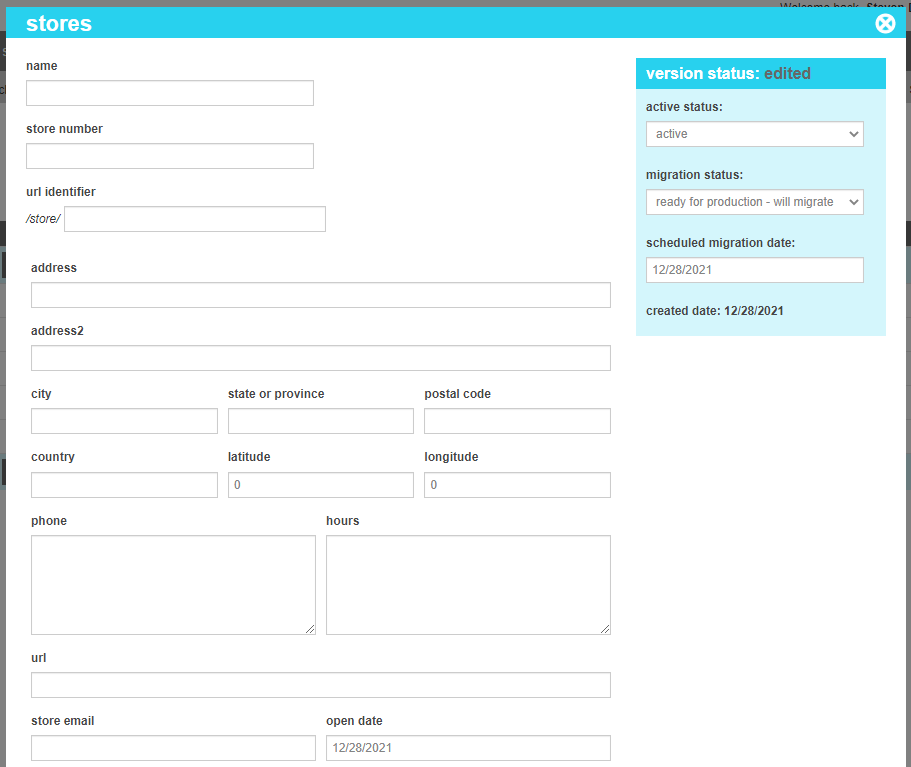
A store contains all of the elements that are required to describe a store. These attributes are as follows:
| Property | Description |
|---|---|
| Name | A user-friendly name for the store. |
| Store Number | The Store number. |
| Url Identifier | a unique url identifier for hte store. If one is not provided, the system will create one based on the name. |
| Address | Address Line 1 of the store. |
| Address 2 | Address Line 2 of the store. |
| City | The city for the store. |
| State or Province | The state or province for the store. |
| Postal Code | The postal code of the store |
| Country | The country of the store |
| Latitude | The latitude coordinate for the store. This is used by proximity searches. If not provided, the system will try to calculate it based on the postal code from any zip code tables that have been loaded into your storefront. |
| Longitude | The longitude coordinate for the store. This is used by proximity searches. If not provided, the system will try to calculate it based on the postal code from any zip code tables that have been loaded into your storefront. |
| Phone | The Phone Number(s) of the store |
| Hours | A simple text block of the hours of operation. A more detailed hours block is found lower on the page. |
| Url | An external Url if the store has its own website. |
| Store email | An email address for the store. |
| Open Date | The date the store opened or will open. |
| Description | A long text description of the store and its features. |
| Badges | Any Badges for the store, such as Curb-Side pickup, Just Opened, etc. Avaialble Badges for stores can be defined in the Site Settings tool. |
| Omnichannel | This section defines features for omnichannel fulfillment. |
| Enablement | This defines which omnichannel features are enabled for hte store, such as Pickup In Store (BOPIS), Ship to Store (STS), or Ship From store (SFS). Checking the boxes will trigger the store inventory load to populate this store's inventory from any feeds. |
| Time Zon | The Time Zone of the store. Used primarily in pickup guarantees so that customers do not attempt to pick up items from a store that has already closed or will close before they arrive. |
| In-Store bag fee | Many states require that a merchant charge a bag fee on pickup-in store transactions. If the state requires it, you may enter the fee amount here. |
| Fee Type | This field indicates whether the bag fee should be assessedd per order or per item. |
| Bag Fee SKU | In order to assess a bag fee, you must create a sku to act as the bag fee line item. Once the sku is created in the products section, enter the sku identifier here |
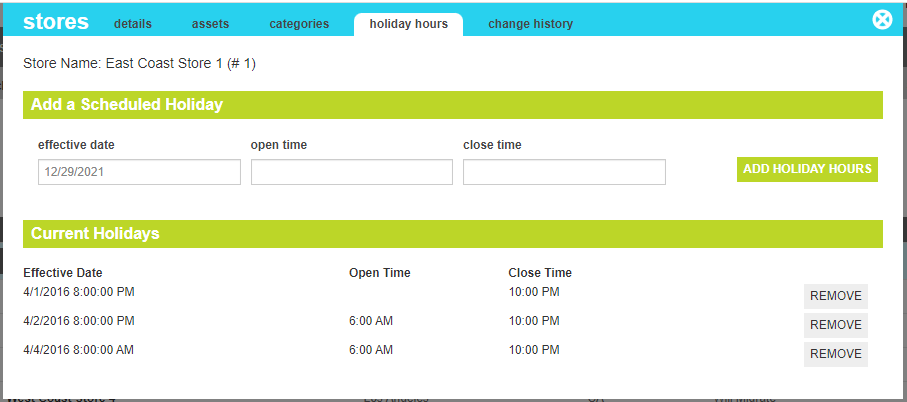
| Store hours |
This section allows you to specify the distinct open and close times for each day of the week. This is particulary useful in crafting
schema.org entities in your template for search browsers to be able to ingest your hours of operation
Note00:00 AM is not a valid time and will result in the hour being deleted by the system. If your store opens at exactly midnight, enter 00:00:01 AM (1 second past midnight). This will be rounded to the nearest minute for display. |