Product Features
A product feature is a custom attribute or attribute group that can be applied to your products. These can range from text elements like special care and washing instructions, to single value designations or multiple-valued classifications. Whatever details you think your customer should know when making their decision, you can add them here.
Each product feature created in this tool will appear to your merchandising team in the product setup. They can then select or edit any of these features as needed when merchandising the product.
Produt Featured can also be linked to Product Facets to assist with your site search. When you create the various multi-valued elements of a feature one or more of them can be referenced in a Facet and included along with the other facet groups in the guided navigation.
Attributes
The product contains all of the elements that are shared across the various size and color variations. These attributes are as follows:
Product Feature attributes are as follows:
| Property | Description |
|---|---|
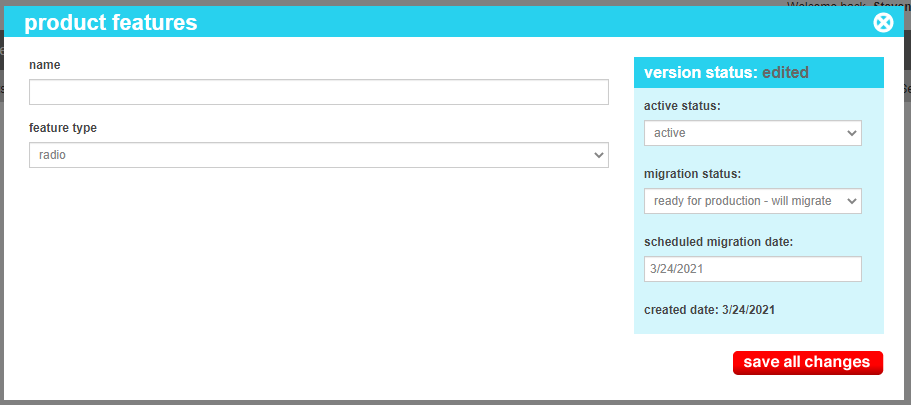
| Name | The name of the feature group as it will appear in the product editing screens. eg.g. "Special Instructions" or "Lifestyle" |
| Feature Type |
The type of selection that a merchandiser can make when using this feature type. Possible values are:
|
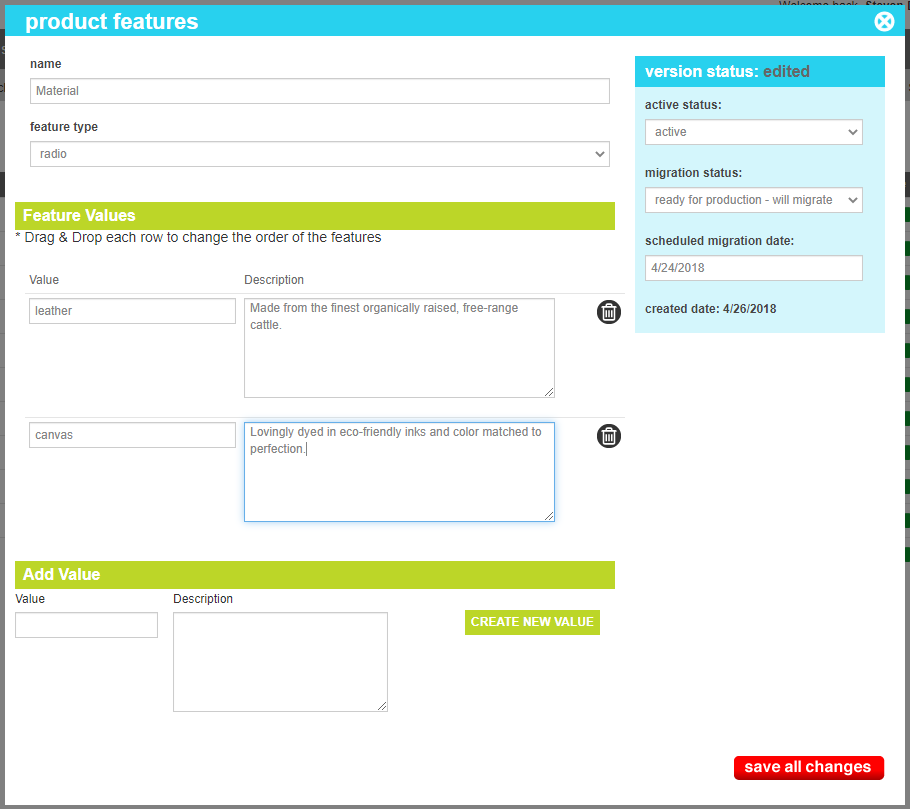
| Feature Value | The label of the value. |
| Feature Description (Optional) | An optional text descriptor for the element. Usually used in text elements, it can also be used for tool tips or informationa; text on radio or checkbox options when the value is not inherently clear to your customer. |