Pages
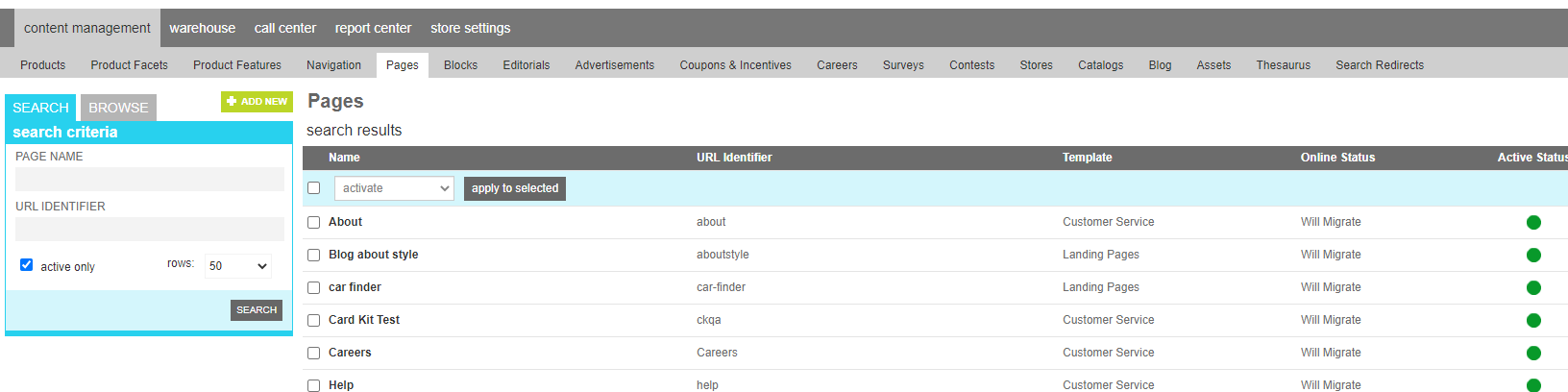
The page tool allows an content manager to register a new site page in marketAgility. Each page must refer back to a registered template that dicates its layout, however this registration allows basic content elements to be defined for the page that override the default values of the template, such as header, footer, meta data and key content panels.
Attributes
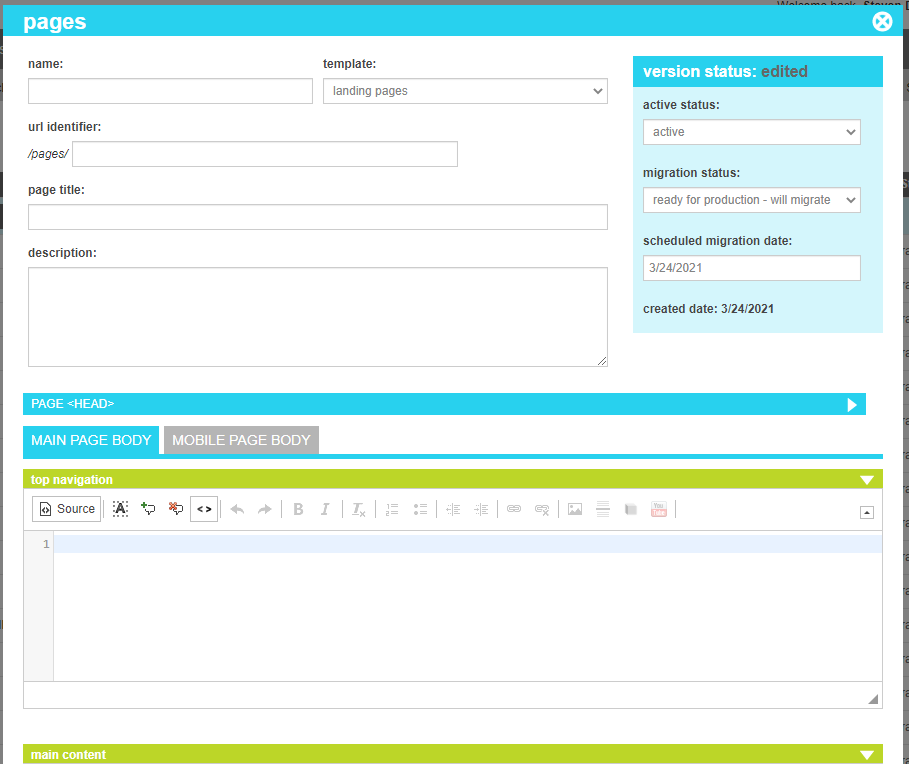
The page contains all of the dyamic sections that appear in within a templates. These attributes are as follows:
| Property | Description |
|---|---|
| Name | A friendly name for the template |
| Template | The name that identifies the template that should be used to display the page. Templates are defined in the administration tools. |
| Url Identifier | The portion of the url that uniquely defines this page. It will be automatically prefixed with the template name to complete the full url. |
| Page Title | The HTML page title that will appear in the browser for this page. |
| Short Description | This is a brief description of what the page is used for. Typically only relevant throughout the admin tools, although it could alse be referenced by your page templates if desired. |
| Page <head> | This HTML content will appear in the <head> block of your site. |
| Main Page Body - Top Navigation | This HTML content can be made visible to your Desktop or Responsive visitors in the navigation block |
| Main Page Body - Main Content | This HTML content can be made visible to your Desktop or Responsive visitors in the main body block |
| Main Page Body - Bottom Navigation | This HTML content can be made visible to your Desktop or Responsive visitors in the bottopm navigation block |
| Mobile Page Body - Top Navigation | This HTML content can be made visible to your Mobile specific visitors in the navigation block. It is only typically used in non-responsive themes. |
| Mobile Page Body - Main Content | This HTML content can be made visible to your Mobile specific visitors in the main body block. It is only typically used in non-responsive themes. |
| Mobile Page Body - Bottom Navigation | This HTML content can be made visible to your Mobile specific visitors in the bottopm navigation block. It is only typically used in non-responsive themes. |
| Before </body> | This HTML content will appear immediately before the close of the <body> block of your site. |
| Active Status | Indicates whether the template is active or inactive. If the template is inactive, the content defined within will not be applied. If the template is tied to a content item such as a category or product, any content item that references the template will generate a 404 |
| Migration Status | Indicates whether the current state of this nexus is visible only on staging, will be migrated to production, or is currently on production. |
| Scheduled Migration Date | For items that are ready to migrate, this is the date that the changes should be migrated to production. For items that are on production, this date indicates when the change was actually migrated. |