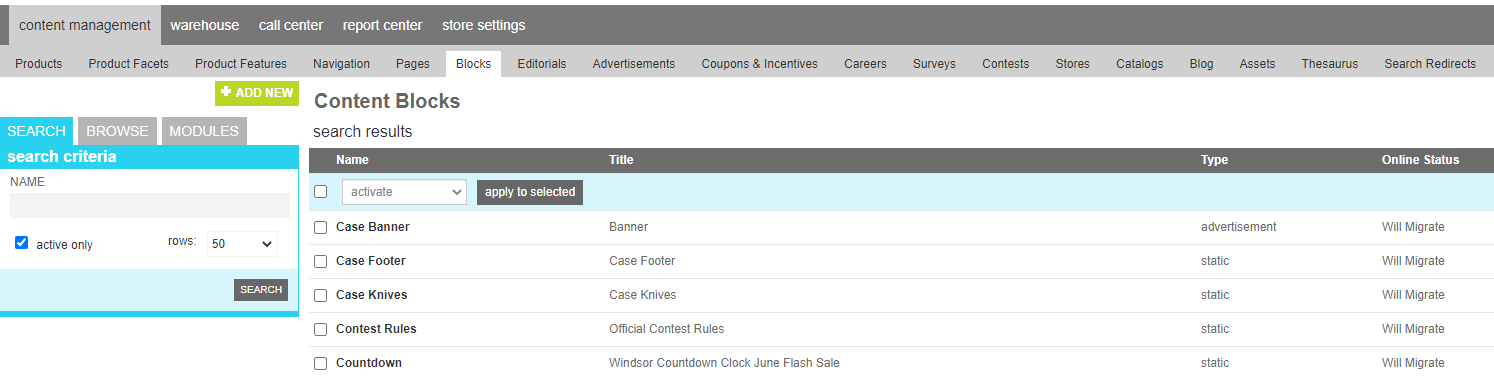
Blocks
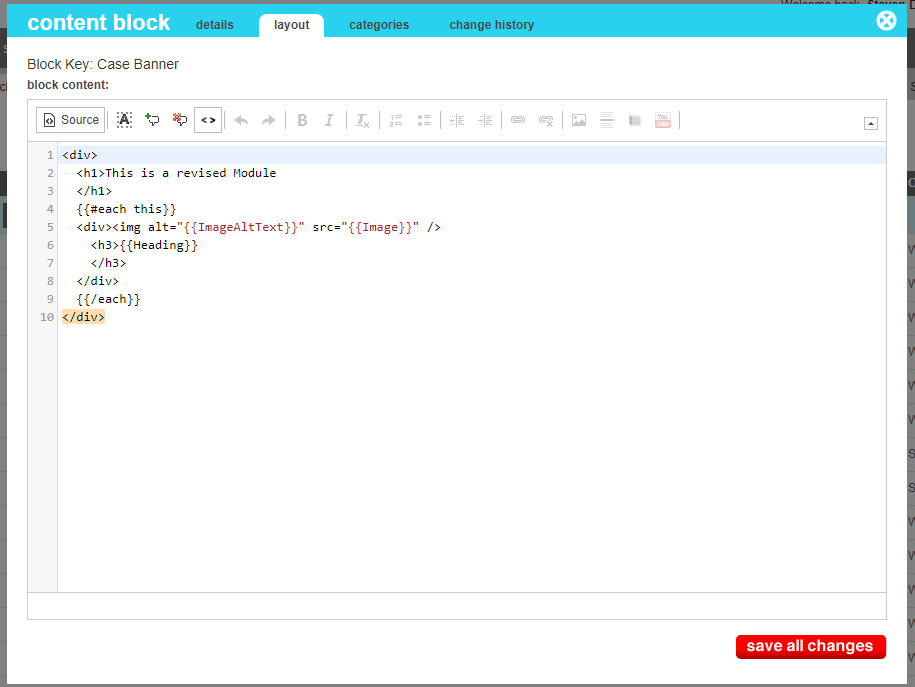
A block is a reusable section of HTML that can be placed in various sections of your site. it can be a simple static block of script or text that is self contained, or it can be dynamically generated by using content from a group and formatted using the mustache/handlebars templating language.
Once a block has been created, it can be placed in editorials, pages, and templates by using the <block> HTML tag, which will automatically be replaced with the content of the block wherever
it is seen.
eg. <block name="BlockUniqueKey" />
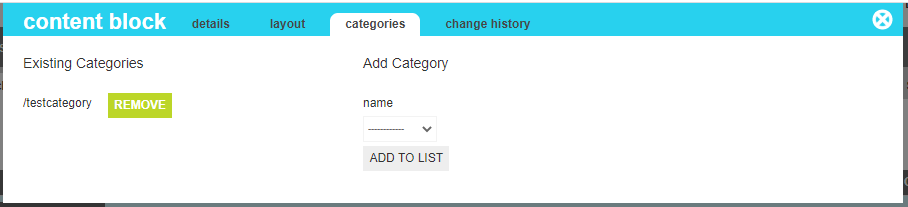
Dynamic blocks adhere to the rule of the content they render. If a block is tied to a particular category and the underlying category is deactivated or the items contained within are removed or deativated, they will automatically disappear from the block. If you want to continue to show the block, but alter its display, you can use the mustache/handlebars rules to craft different displays based on the presence or absence of dynamic content.
Attributes
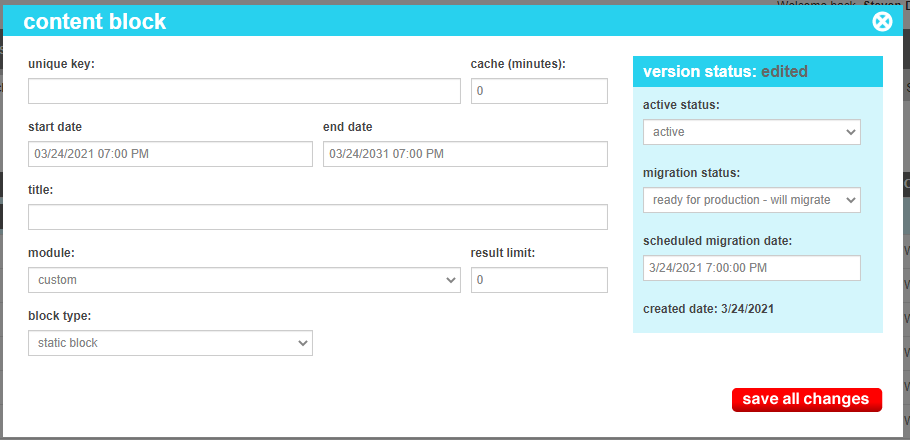
The content block contains all of the elements that are required to identify and render the content. These attributes are as follows:
| Property | Description |
|---|---|
| Unique Key | This is the key that will be used to identify this block when you place it in your various content sections. It should conform the HTML standards of name attriutes, avoiding spaces and other special characters that may cause a browser to not render it properly. |
| Cache (minutes) | Some blocks can be created with a great deal of data, that doesn't change frequently. To aid in performance, a cache value can be set to limit the frequency that the site needs to look up and re-render the dynamic data. A value tells marketAgility that the data is voloatile and should never be cached. A positive value indicates that the data should be refreshed every "n" number of minutes. |
| End Date | This is the date and time that the block should start to appear. |
| Start Date | This is the date and time that the block should disappear. |
| Title | A friendly name for the block |
| Module | Blocks can have their own custom layout or inherit from a block template called a "Module". This field lets the block know where it should find its layout. |
| Result Limit | For dynamic content, this allows you to control th number of elements that should be drawn when pulling from a category. A value of zero means to pull and render all active items in the target category |
| Block Type |
This indicates the type of block.
|
| Content Source | For dynamic content, this indicates the fully qualified content group that will provide the source of data for the template. To change the target group, click the box to open the category chooser |