
System Logs
The System Logs tool allows administrators to view system-generated logs created by the website and its plugins during normal operation. Logs are retained for 90 days and can be accessed anytime using this tool.
Standard Log Types
- Error: Captures unhandled exceptions from marketAgility Core, BackOffice, Website, or Admin Tools. These logs are automatically sent daily to the marketAgility Engineering team for triage and resolution.
- Info: Contains general informational messages, such as system-generated emails and custom website events.
- Automation: Logs messages related to the automation system's activity.
Other Log types can be related to payment providers, 3rd party apps, etc. Speak with your Client Manager if you would like to add a specific log type.
Searching for System Log Entries
Use the search block to filter log entries by various attributes.
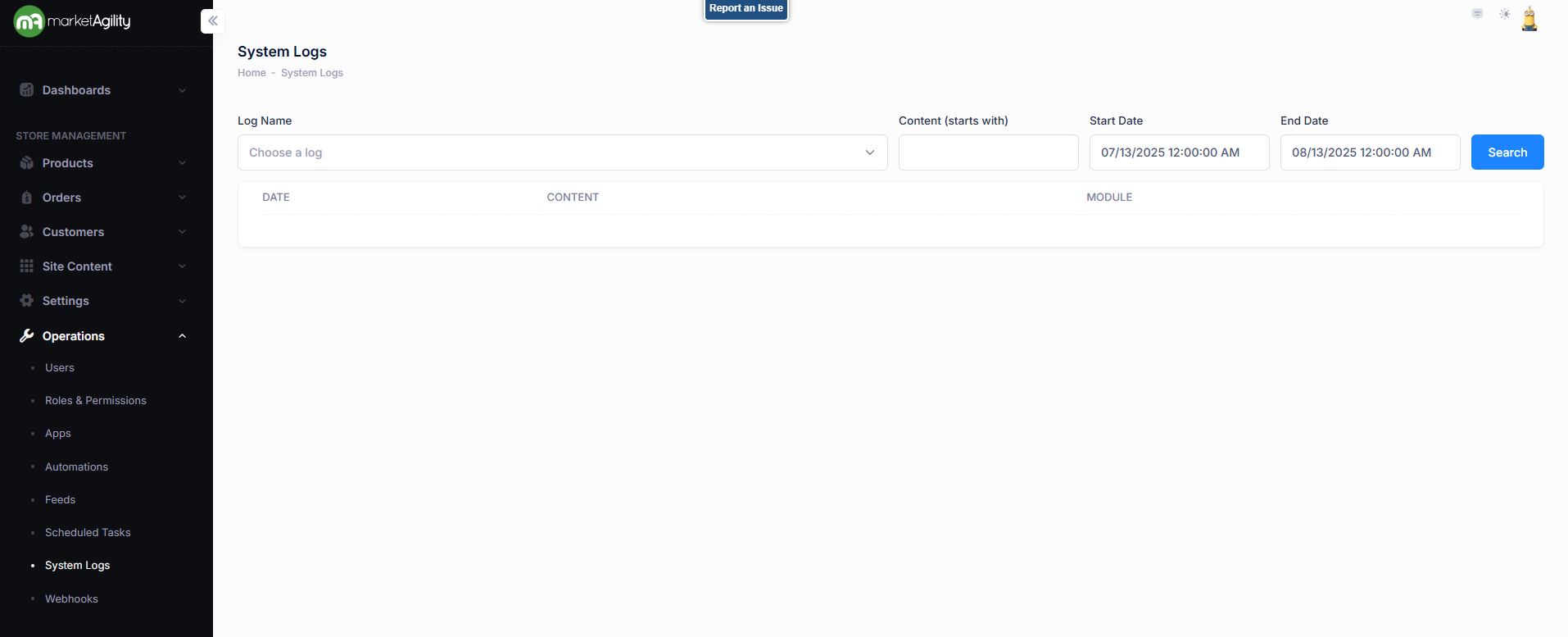
Attributes
| Property | Description |
|---|---|
| Log Name |
Choose from the dropdown Standard logs include: Error - Includes any unhandled exceptions by the marketAgility Core, BackOffice, Website or Admin Tools. These are automatically sent to the marketAgility Engineering team daily for triage and remediation. Info - Includes any informational messages generated by the marketAgility Core, BackOffice, Website or Admin Tools. These messages typically include emails sent from the system but can also contain other custom informational messages from the website as needed. Automation - Includes any messages sent by the automation system. DataExport - Includes any error messages generated by a marketAgility BackOffice data export. |
| Content (starts with) | A keyword or phrase found in the log message or component reference |
| Start Date | The start of the date/time range for your search |
| End Date | The end of the date/time range for your search |
Search Log Details
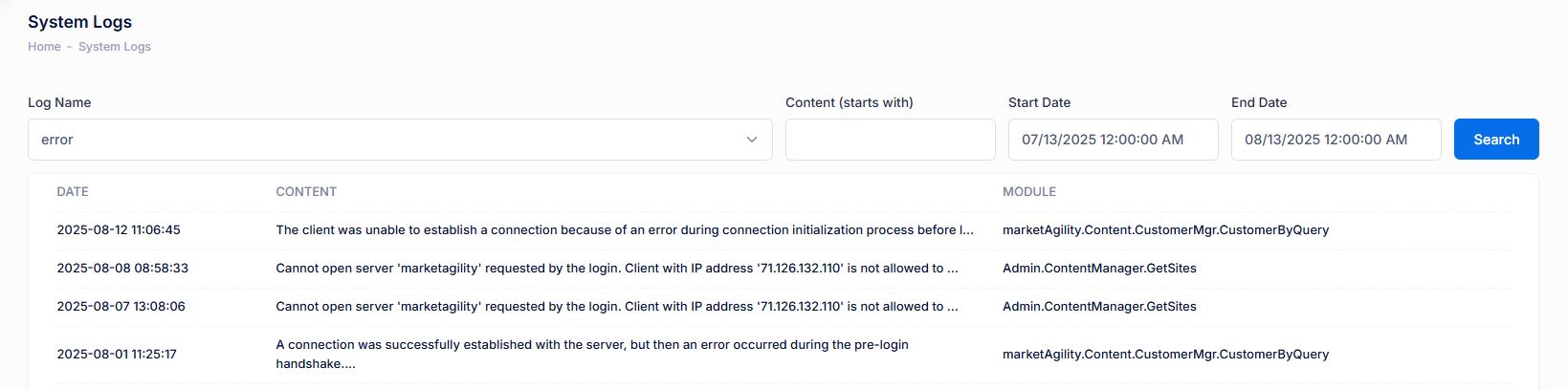
The Details screen displays complete information about a specific log entry.
| Property | Description |
|---|---|
| Date (UTC) | When the log message was recorded, in Coordinated Universal Time |
| Content | The full text of the message from the reporting component |
| Module | The system module or page where the message originated |