
Service Providers
The Service Providers tool allows administrators to manage third-party integrations and credentials for payment, email, shipping, tax, and CDN plugins used on the website.
Searching for a Service Provider
Use the search block to locate existing service providers or click 'Add Service Provider' to create a new one.
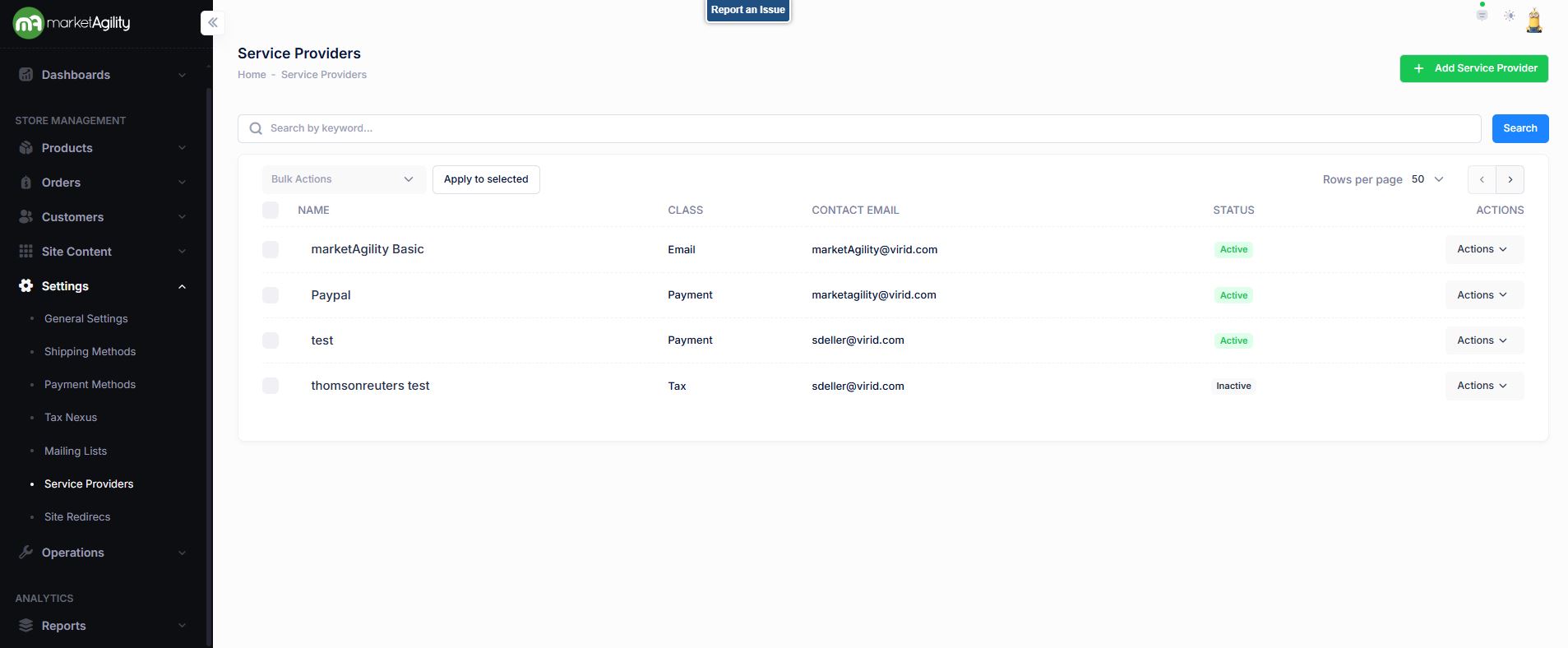
Attributes
| Property | Description |
|---|---|
| Name | The name that uniquely identifies the provider. This value will be used for reference in other parts of the admin tools. |
| Service Provider Type (Class) | The type of service provider this item references. Valid options include CDN, Email, Payment, Shipping or Tax. The Payment class will determine where this plugin appears in other parts of the admin tools, and it is assumed that the plugin includes the required methods and properties defined by the appropriate payment class interface specifications. |
| Contact Email | Any issues or errors with transactions run through this provider will be sent via email to the email address indicated. |
| Status | Indicates whether the service provider is active or inactive. If the provider is inactive, its credentials will not be used by the component |
| Actions | Edit / Deactivate / Delete |
| Bulk Actions |
Activate / Deactivate Use this function under the Search bar to apply bulk actions across one or many records. |
Details / Staging - QA Settings / Production Settings / Change Log
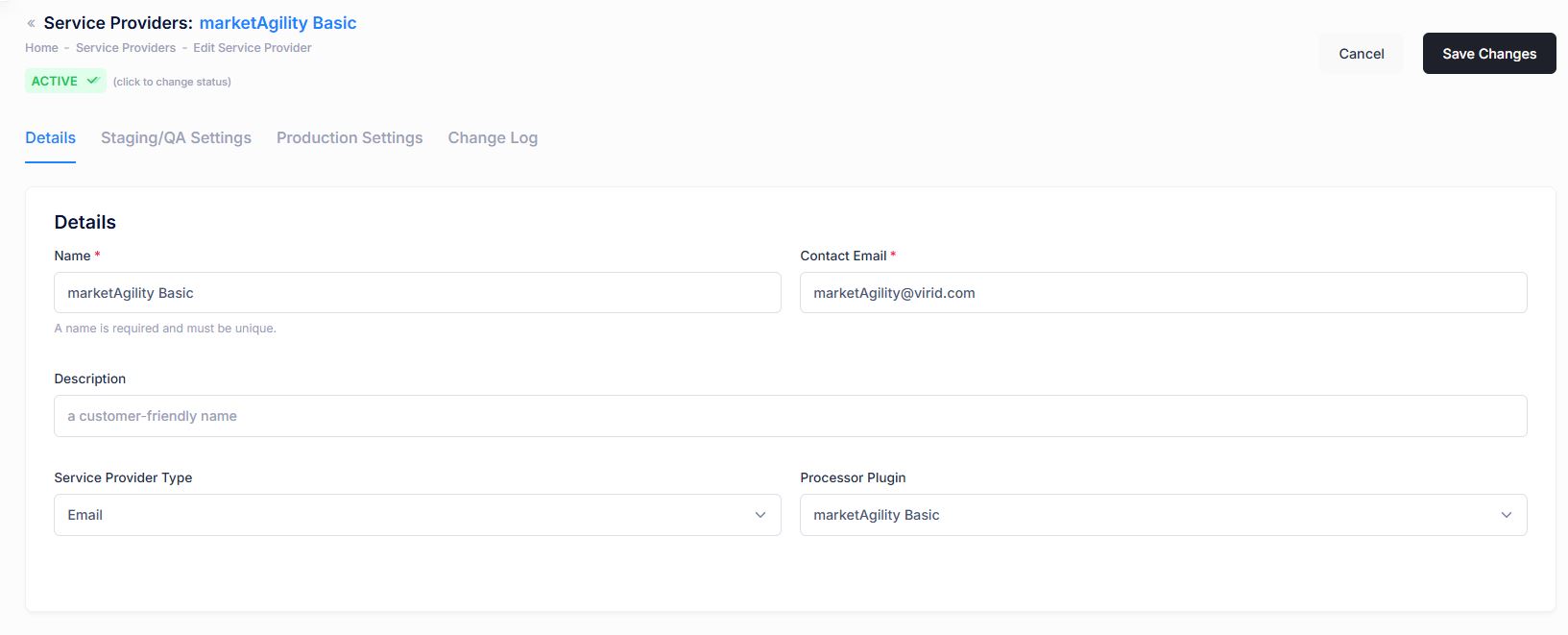
Manage basic information and configuration for each provider:
| Property | Description |
|---|---|
| Name | Unique identifier used throughout admin tools. |
| Contact Email | Email where issues or errors from this provider are sent. |
| Description | Brief explanation of the provider for internal reference. |
| Service Provider Type | Defines the type of service (e.g., CDN, Email, Payment, Shipping, Tax). This determines where the plugin is used in the system. |
| Processor Plugin | Name of the plugin file on your website. For help identifying this, contact your site admin or client manager. |
| Active Status | Indicates whether the provider is active. Inactive providers will not be used by the system. |
Details / Staging - QA Settings / Production Settings / Change Log
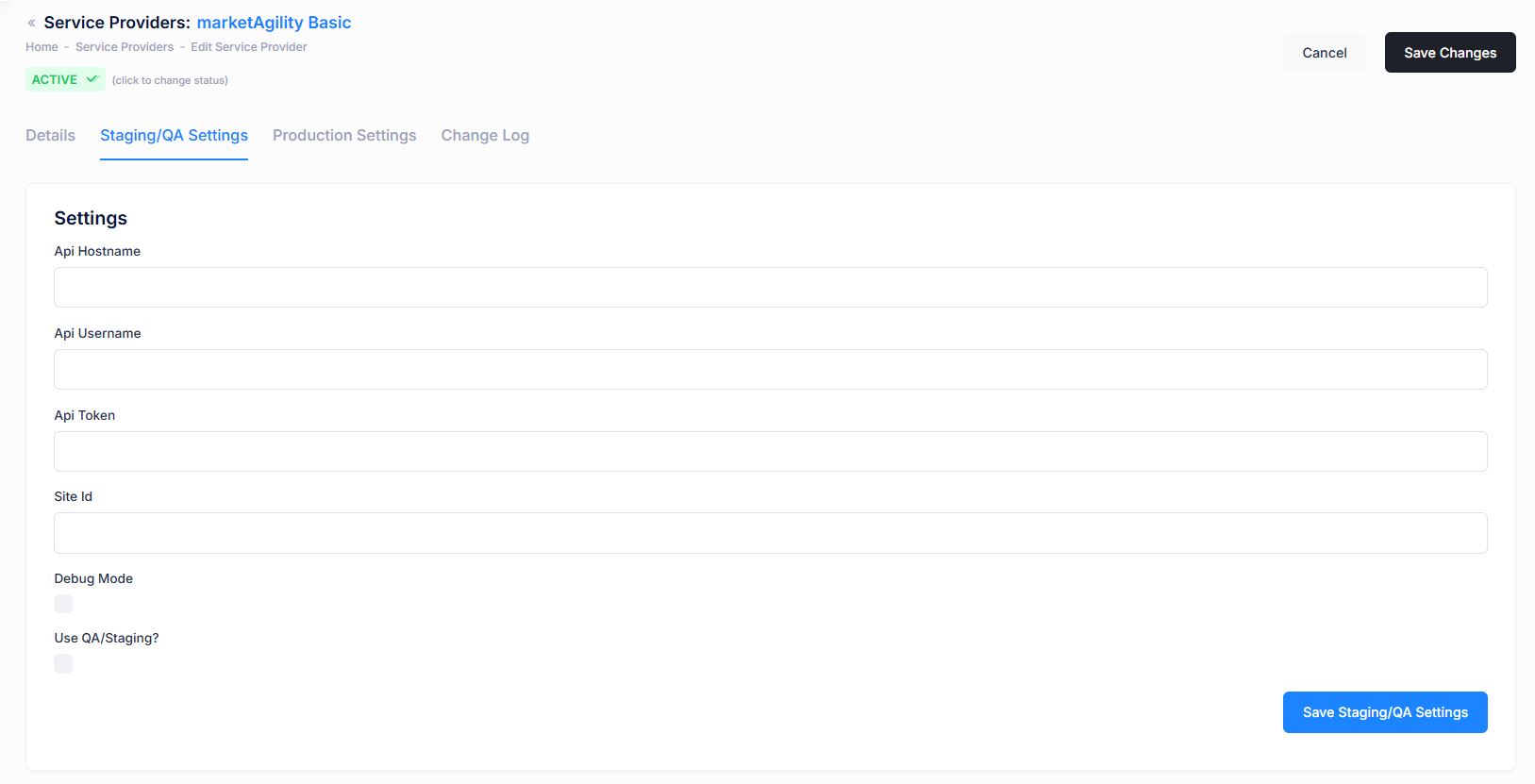
Staging/QA Settings
Configure the plugin's credentials and settings (such as API keys, endpoints, and logging options) used in your staging environment.
Settings vary by provider based on their capabilities.
Work with your Client Manager and Engineering lead to confirm the correct data for this tab.
Details / Staging - QA Settings / Production Settings / Change Log
Production Settings
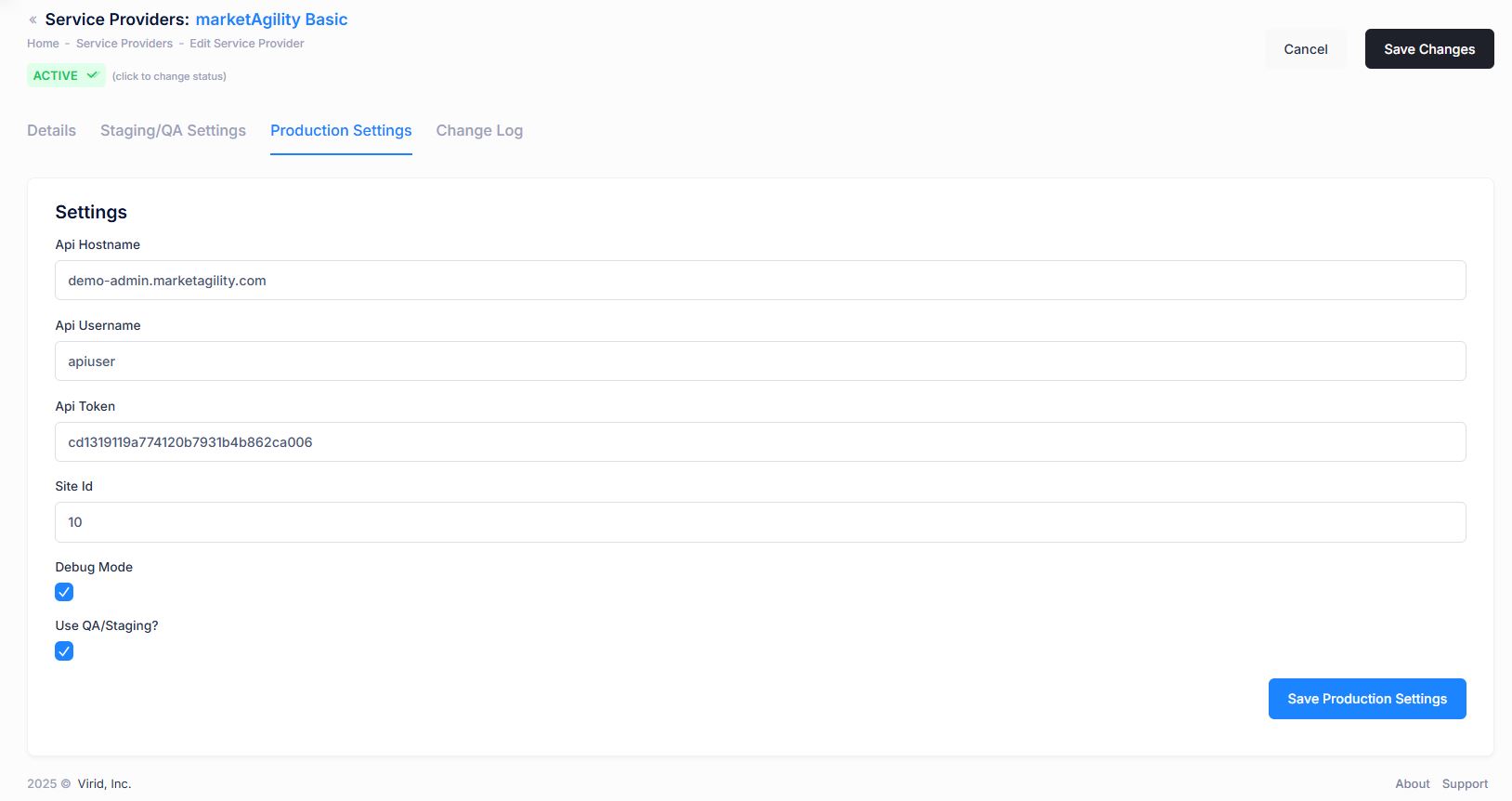
Manage the provider's live credentials and settings for your production website. As with staging, the available settings will depend on the provider's plugin.
Work with your Client Manager and Engineering lead to confirm the correct data for this tab.
Details / Staging - QA Settings / Production Settings / Change Log
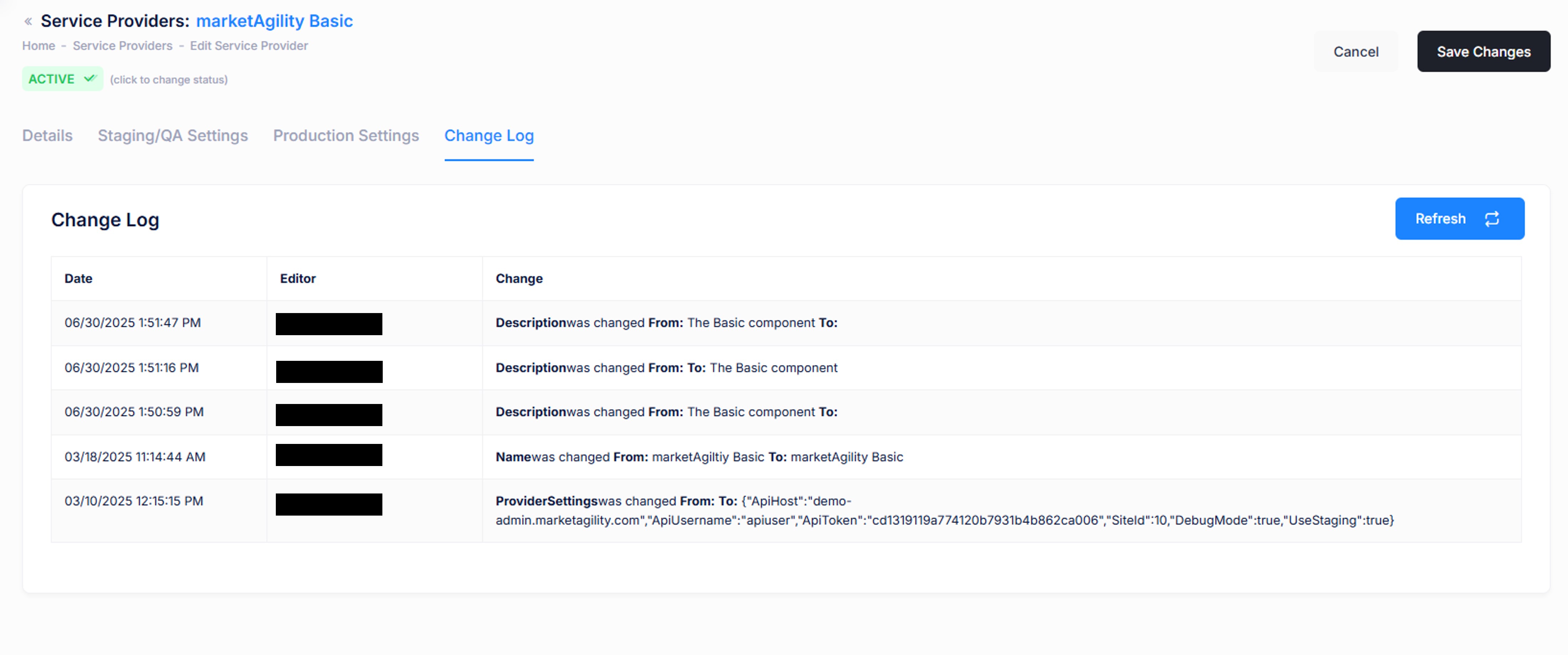
Change Log
Tracks all changes made to the service provider record, including who made them. Useful for auditing or diagnosing unexpected changes.