
Mailing Lists
The Mailing List tool lets administrators manage marketing email lists offered to customers for signup. It also connects those lists to third-party email service providers through configured plugins.
Searching for Email Lists
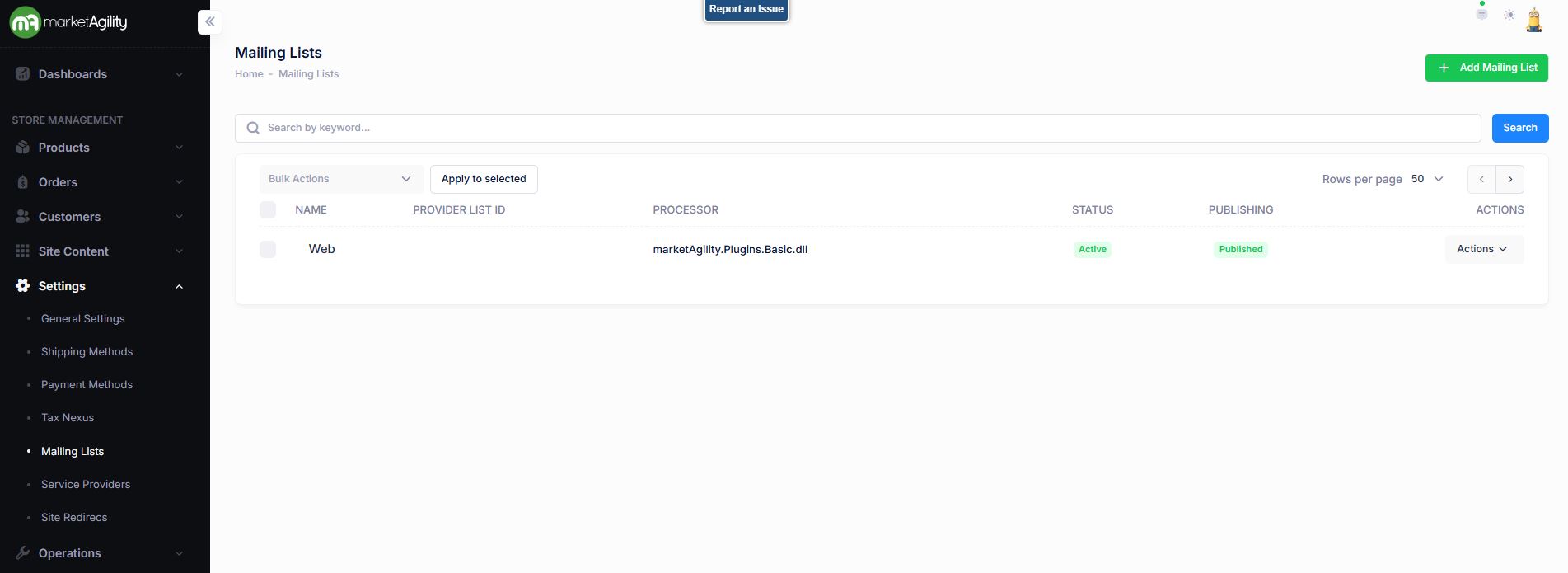
Use the search block to find specific email lists or click 'Add Mailing List' to create one.
Attributes
| Property | Description |
|---|---|
| Name | Full or partial name of the email list. |
| Provider List ID | Unique identifier for the list used by external systems. For third-party providers, use the exact list ID from their system. |
| Processor | The plugin used to manage subscribe/unsubscribe actions. Default to marketAgility Basic. If using a third-party provider, ensure it's registered in the Service Provider tool. |
| Status | Active or Inactive |
| Publishing | Draft / Published / Scheduled / Ready to Publish |
| Actions | Edit / Deactivate / Unpublish / Delete |
| Bulk Actions |
Activate / Deactivate / Publish / Unpublish. Use this function under the Search bar to apply bulk actions across one or many records. |
Details / Change Log
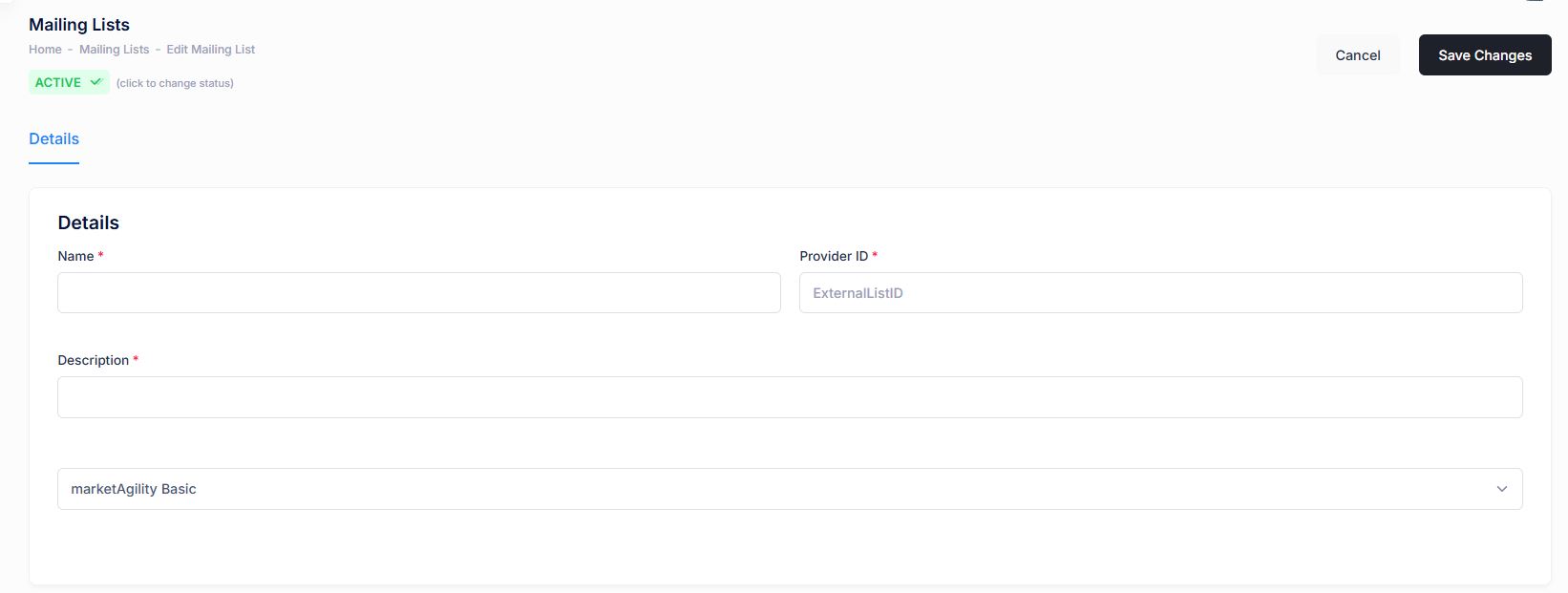
Edit and manage list settings using the following fields:
| Property | Description |
|---|---|
| Name* | Friendly, customer-facing name for the email list. |
| Provider List ID | Unique identifier for the list used by external systems. If using the marketAgility Basic plugin, this can be any chosen value. For third-party providers, use the exact list ID from their system. |
| Description | Customer-friendly description that helps them choose the right list to subscribe to. |
| Email Processor | The plugin used to manage subscribe/unsubscribe actions. Default to marketAgility Basic. If using a third-party provider, ensure it's registered in the Service Provider tool. |
| Active Status | Indicates whether the list is currently active. Inactive lists are hidden from the website. |
| Migration Status | Shows if the rule is in Draft (QA/Staging) Ready to Publish or Published. |
| Online Date | The date the list is scheduled to go live, or the date it was last migrated. |
Details / Change Log
This tab tracks all changes made to the email list, including who made them. Useful for auditing and troubleshooting.